Skin-Einrichtung und Fehlerbehebung
Legacy Launcher Skins ändern und Fehler beheben
Lade den PNG-Skin bei einem unterstützten Kontodienst hoch und melde dich in TL Legacy mit genau diesem Konto an. Auch der Server bestimmt die Sichtbarkeit. TL Legacy und das archivierte LegacyLauncher v3.5.0 sind verschiedene Projekte.
Offizielle TL-Legacy-Oberfläche als Kontext für Konto und Skin-Einrichtung.
Geprüft am 13.08.2026: TL-Legacy-Skin-Anleitungen und das archivierte LegacyLauncher v3.5.0 gehören zu verschiedenen Projekten.
Skin-Fakten
Skin-Einrichtung im Überblick
Konto Verwende dasselbe unterstützte Konto, dem die hochgeladene Skin gehört.
Skin-Datei Verwende eine gültige Minecraft-PNG und wähle klassisches oder schmales Modell.
Server Offline-Modus oder inkompatible Server zeigen möglicherweise dieselbe Skin nicht.
Projektgrenze TL Legacy und das archivierte LegacyLauncher v3.5.0 sind verschiedene Projekte.
Projektgrenze
So funktionieren Skins wirklich
TL Legacy von llaun.ch ist nicht das archivierte LegacyLauncher-v3.5.0-Projekt. Der Ely.by-Ablauf gehört zu TL Legacy.
Launcher und Kontodienst konsistent halten.
Eine Skin-Anleitung beweist keinen Minecraft-Besitz.
Den Leitfaden des installierten Projekts nutzen.
Konto einrichten
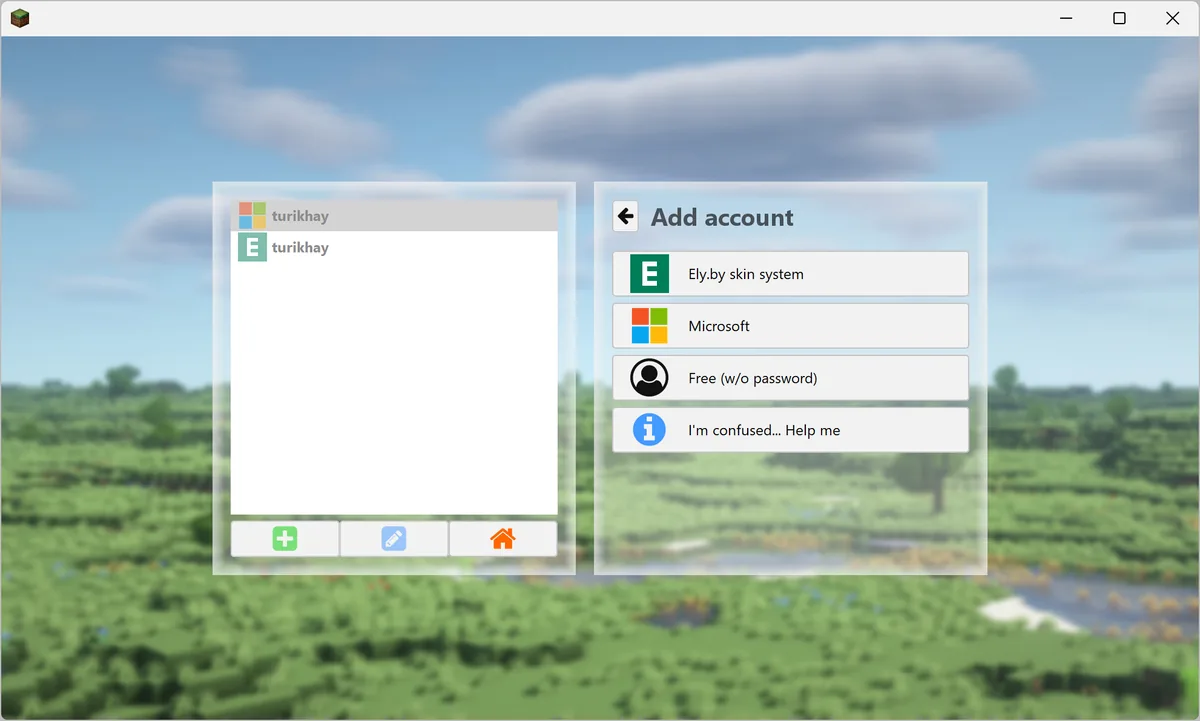
Das Skin-Konto hinzufügen
Füge unter Konten dieselbe Identität hinzu. Ein Offline-Name oder doppeltes Profil kann den falschen Skin starten.
Offizielle TL-Legacy-Oberfläche als Kontext für Konto und Skin-Einrichtung.
Dieselbe Kontoidentität verwenden.
Ausgewähltes Profil prüfen.
Bei Bedarf erneut anmelden.
Skin-Datei
PNG vor dem Spielstart hochladen
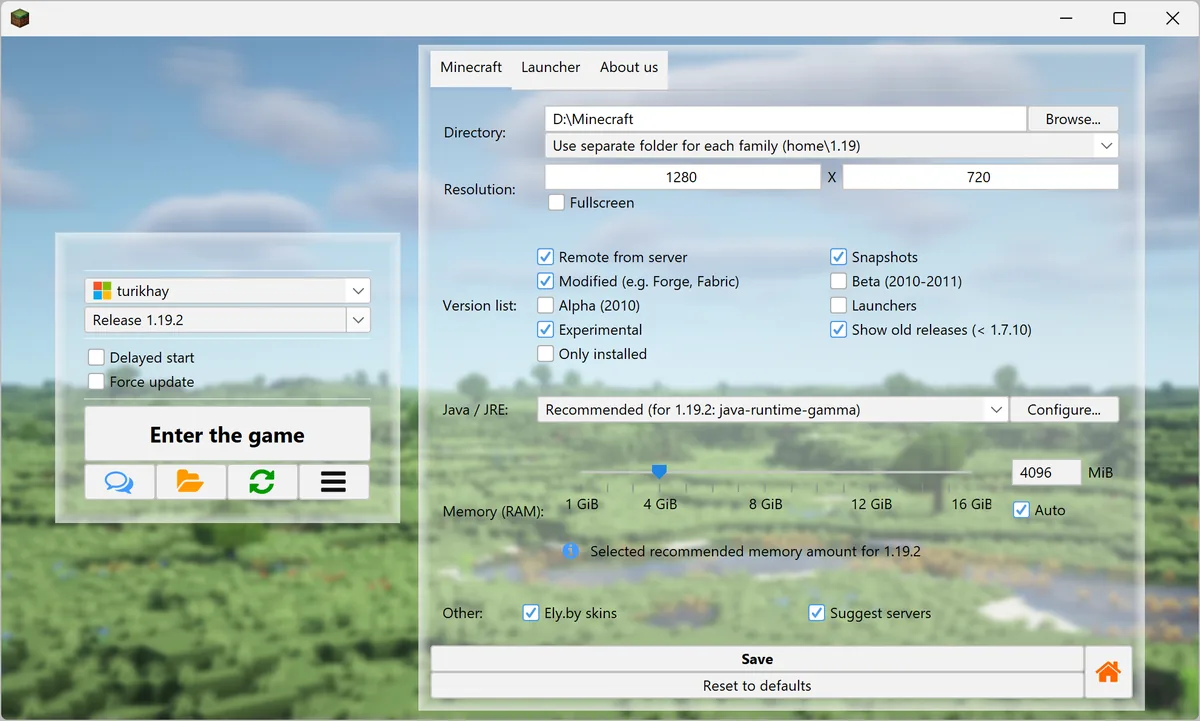
Nutze eine gültige Minecraft-PNG, meist 64×64, und wähle klassische oder schmale Arme korrekt.
Offizielle TL-Legacy-Oberfläche als Kontext für Konto und Skin-Einrichtung.
PNG-Format und Maße prüfen.
Klassisches oder schmales Modell wählen.
Original-Skin sichern.
Sichtbarkeit
Warum der Skin nicht erscheint
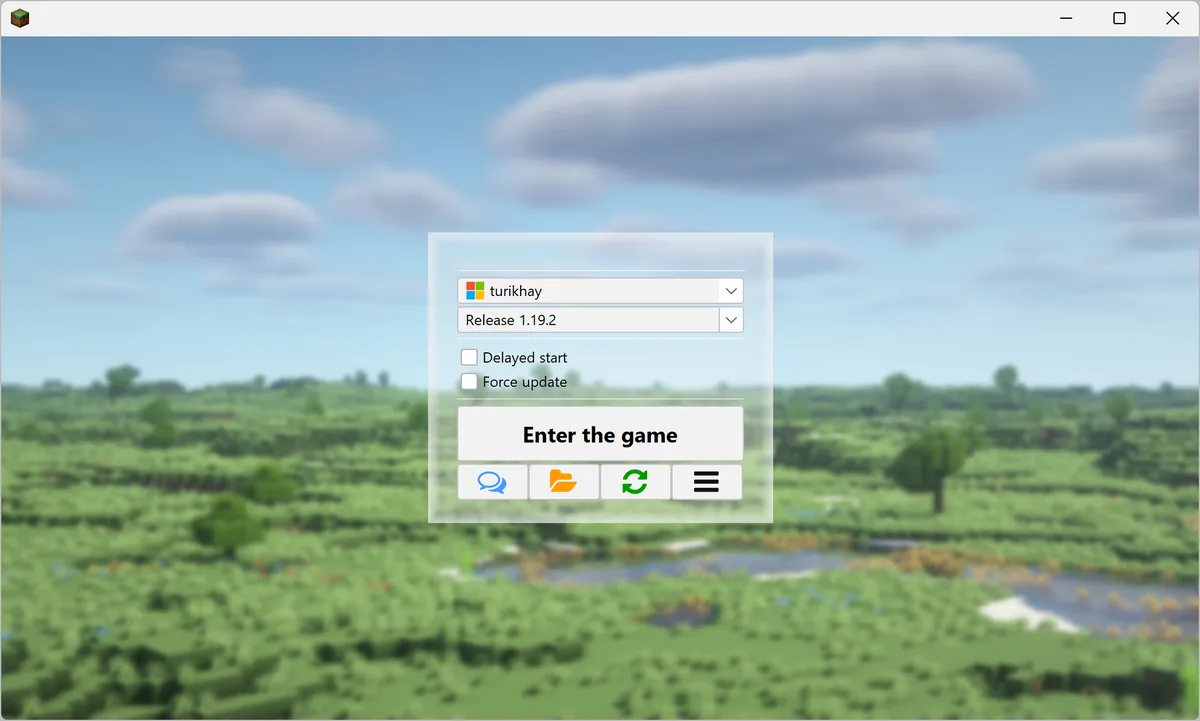
Prüfe das gestartete Konto und teste Einzelspieler sowie einen kompatiblen Server. Ein einzelner Server kann Texturen blockieren.
Offizielle TL-Legacy-Oberfläche als Kontext für Konto und Skin-Einrichtung.
Aktives Konto bestätigen.
Launcher und Spiel aktualisieren.
Serverunterstützung prüfen.
Grenzen des Anbieters
Offizielle und externe Skins unterscheiden sich
Microsoft-Konten verwenden das offizielle Profil. Ely.by nutzt einen eigenen Texturdienst und ändert das Microsoft-Profil nicht.
Sichtbarkeit auf jedem Server nicht versprechen.
Zugangsdaten beim Anbieter lassen.
Aktuelle Anbieterregeln prüfen.
Skin-FAQ
Fragen zu Legacy-Launcher-Skins
Wie ändere ich den Skin?
PNG hochladen, dasselbe Konto in TL Legacy hinzufügen und neu starten.
Warum erscheint er nicht?
Konto, Modell, Cache und Server prüfen.
Kann ich Ely.by nutzen?
TL Legacy dokumentiert Ely.by als Drittanbieter-Konto.
Setzt Essential Mod den Skin?
Nein, das ist eine getrennte Mod-Frage.
Sind beide Launcher gleich?
Nein.
Sind TL Legacy und LegacyLauncher v3.5.0 gleich?
Nein. Es sind verschiedene Projekte; nutze den Leitfaden für den installierten Launcher.
offizielle Quellen
Quellen für den Skin-Ablauf