configurazione e problemi delle skin
Skin Legacy Launcher: come cambiarle e risolvere errori
In TL Legacy carica il PNG tramite un provider supportato e accedi al launcher con lo stesso account. Anche il server controlla la visibilità. TL Legacy e LegacyLauncher v3.5.0 archiviato sono progetti distinti.
Interfaccia ufficiale TL Legacy come contesto per account e configurazione.
Verificato il 13 agosto 2026: le istruzioni skin TL Legacy e LegacyLauncher v3.5.0 sono progetti distinti.
dati sulle skin
Configurazione delle skin in sintesi
Account Usa lo stesso account supportato a cui appartiene la skin caricata.
File skin Usa un PNG Minecraft valido e scegli il modello classico o slim.
Server La modalità offline o un server incompatibile può non mostrare la stessa skin.
Confine del progetto TL Legacy e LegacyLauncher v3.5.0 archiviato sono progetti distinti.
confine del progetto
Come funzionano davvero le skin
TL Legacy di llaun.ch e LegacyLauncher v3.5.0 sono progetti distinti. Ely.by riguarda TL Legacy.
Mantieni coerenti launcher e provider.
Una guida alle skin non prova la proprietà di Minecraft.
Usa la guida del progetto installato.
impostare l’account
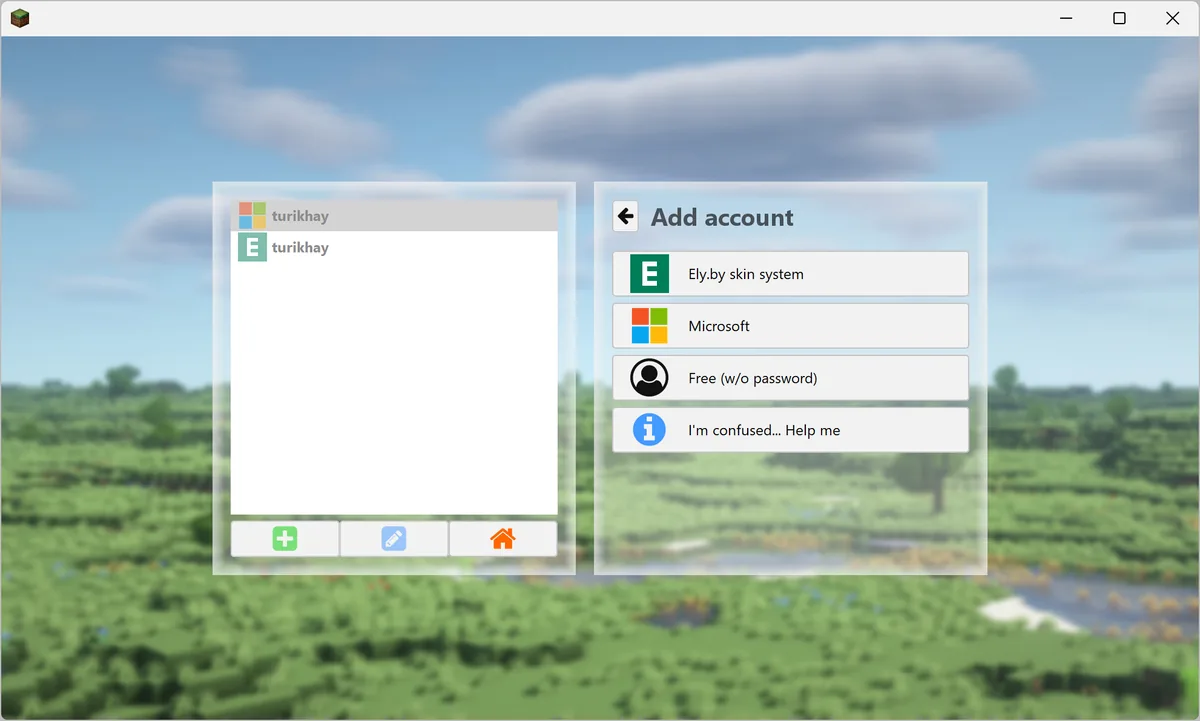
Aggiungere l'account della skin
Apri Account e aggiungi la stessa identità usata dal provider. Evita profili offline o duplicati.
Interfaccia ufficiale TL Legacy come contesto per account e configurazione.
Usa la stessa identità.
Controlla il profilo selezionato.
Accedi di nuovo se necessario.
file skin
Caricare il PNG prima del gioco
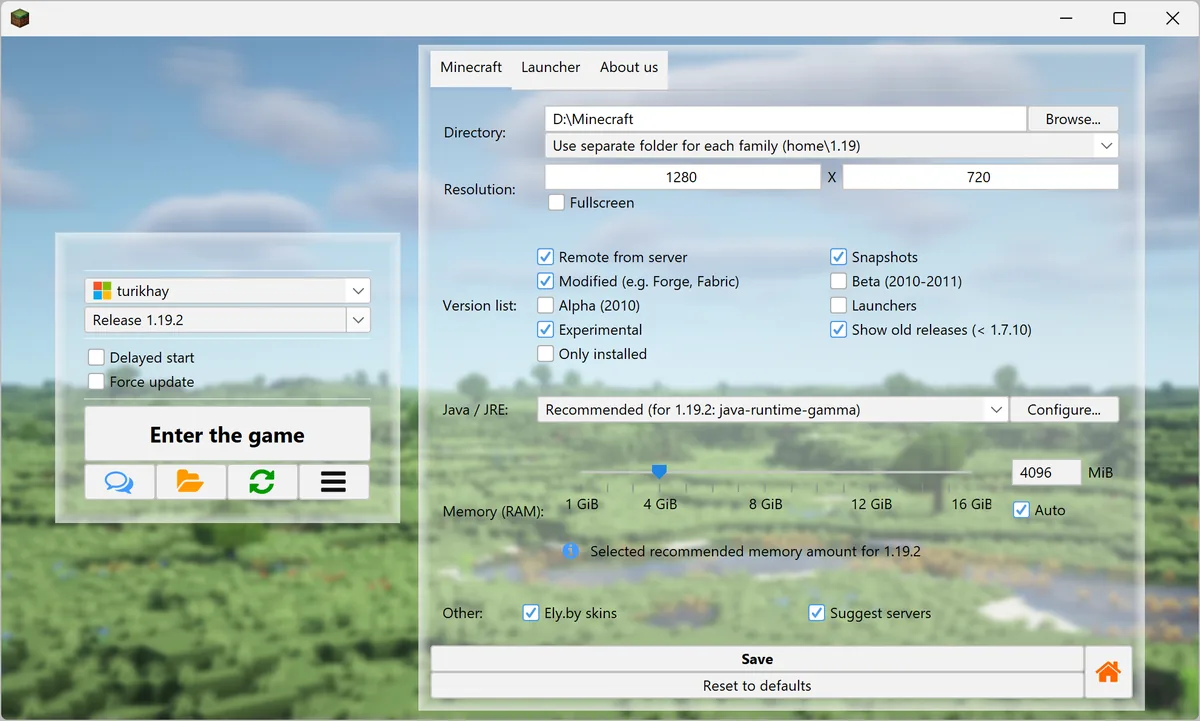
Usa un PNG Minecraft valido, di solito 64×64, e seleziona il modello classico o slim.
Interfaccia ufficiale TL Legacy come contesto per account e configurazione.
Controlla formato e dimensioni PNG.
Scegli il modello classico o slim.
Conserva una copia della skin originale.
visibilità
Perché la skin non appare
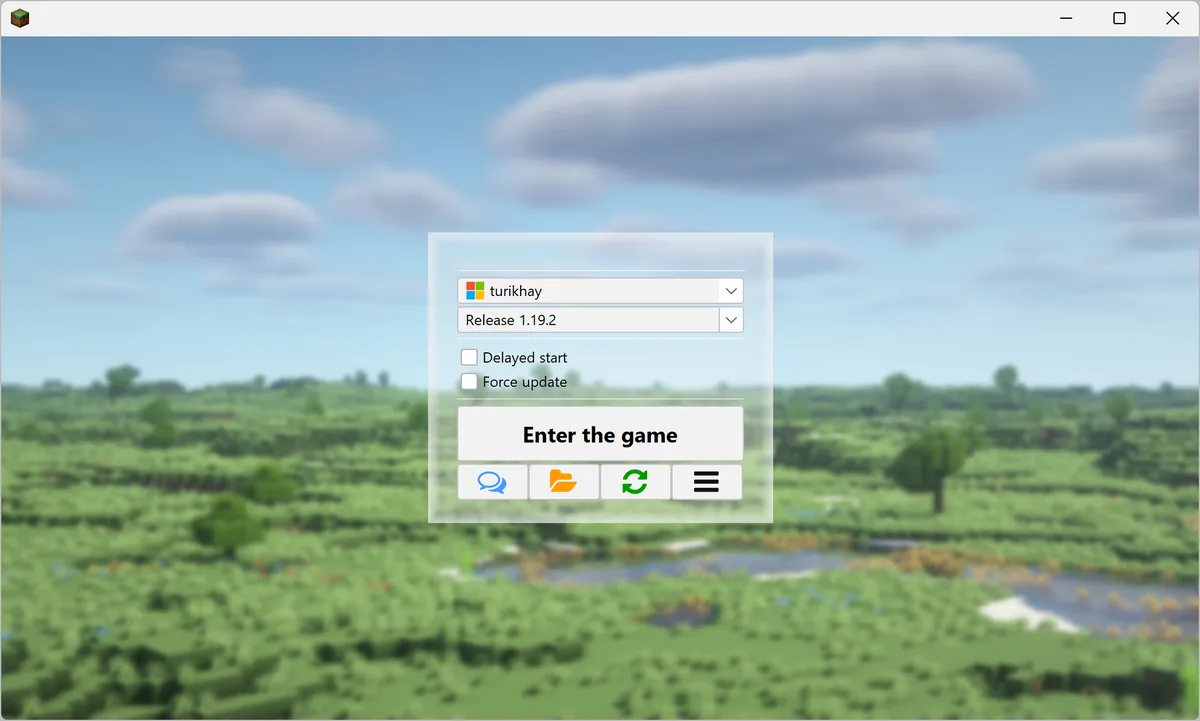
Controlla l'account avviato e prova in singolo e su un server compatibile. Un errore su un solo server dipende spesso dalla sua configurazione.
Interfaccia ufficiale TL Legacy come contesto per account e configurazione.
Conferma l’account attivo.
Aggiorna launcher e gioco.
Verifica il supporto del server.
limiti del provider
Skin ufficiali e terze parti differiscono
Microsoft usa il profilo ufficiale; Ely.by usa un servizio texture separato.
Non promettere visibilità su ogni server.
Tieni le credenziali sul sito del provider.
Controlla le regole aggiornate.
FAQ skin
Domande sulle skin di Legacy Launcher
Come cambio la skin?
Carica il PNG, aggiungi lo stesso account e riavvia.
Perché non appare?
Controlla account, modello, cache e server.
Ely.by è compatibile?
È documentato da TL Legacy come opzione terza.
Essential Mod imposta la skin?
No.
I launcher sono uguali?
No.
TL Legacy e LegacyLauncher v3.5.0 sono uguali?
No. Sono progetti distinti; usa la guida del launcher installato.
riferimenti ufficiali
Fonti per il flusso delle skin