
What to verify before opening a file
- Checked release
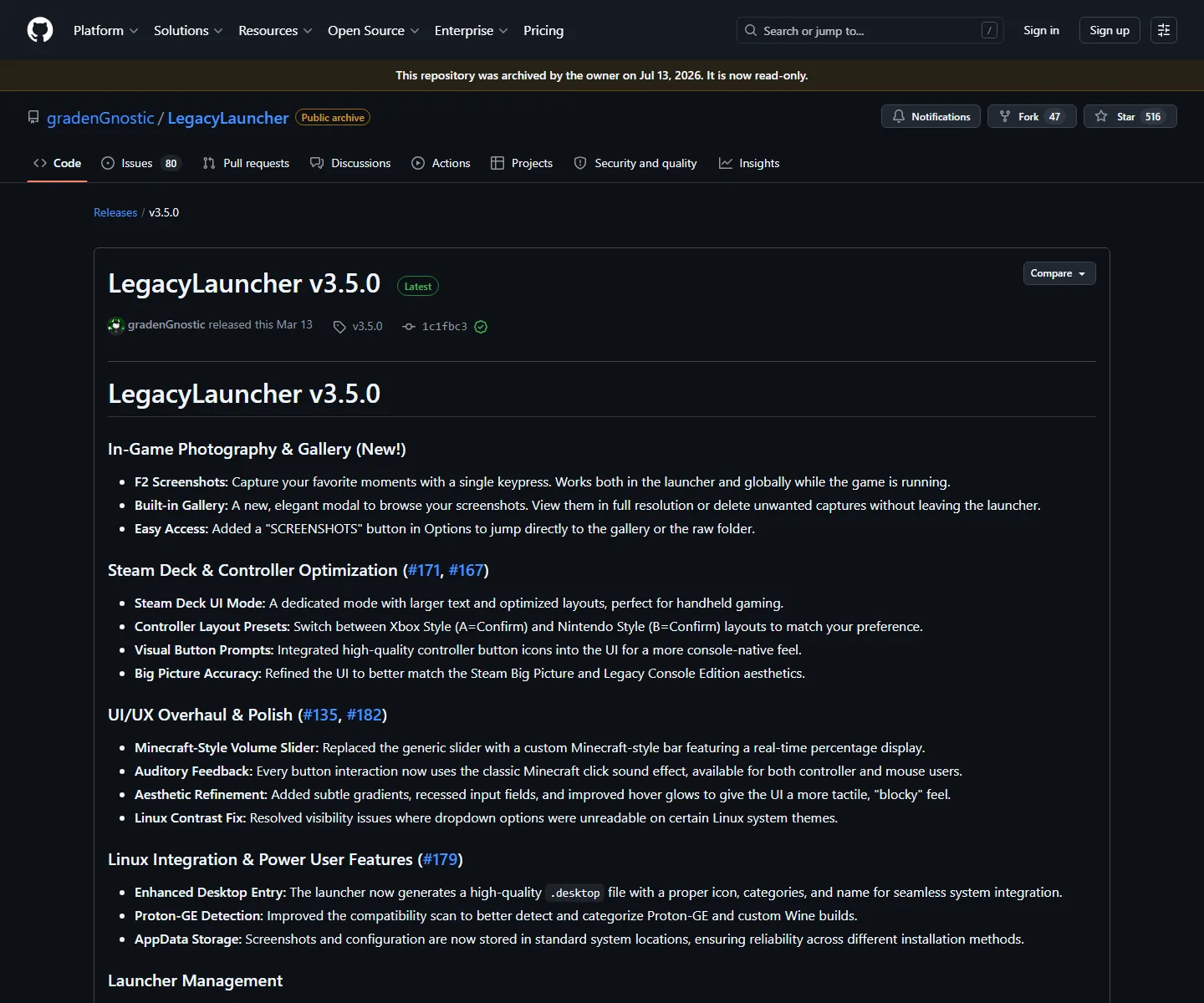
- LegacyLauncher v3.5.0
- Checked on
- August 13, 2026
- Source
- GitHub Releases and the project repository
- Red flags
- Unknown mirrors, repacks, free accounts or bundled game files
A safer answer starts with the source, release tag, file name and your own device security. This guide checks the archived LegacyLauncher v3.5.0 release without promising that any executable is risk-free.
There is no honest one-word guarantee for a downloaded executable. A practical answer to “is Legacy Launcher safe” is to verify the source path, release tag, platform asset and download claims before running anything.
The GitHub repository is archived and the latest checked formal release is v3.5.0. Use the release page as the reference, record the version you downloaded and stop when a mirror changes the file or the promise.
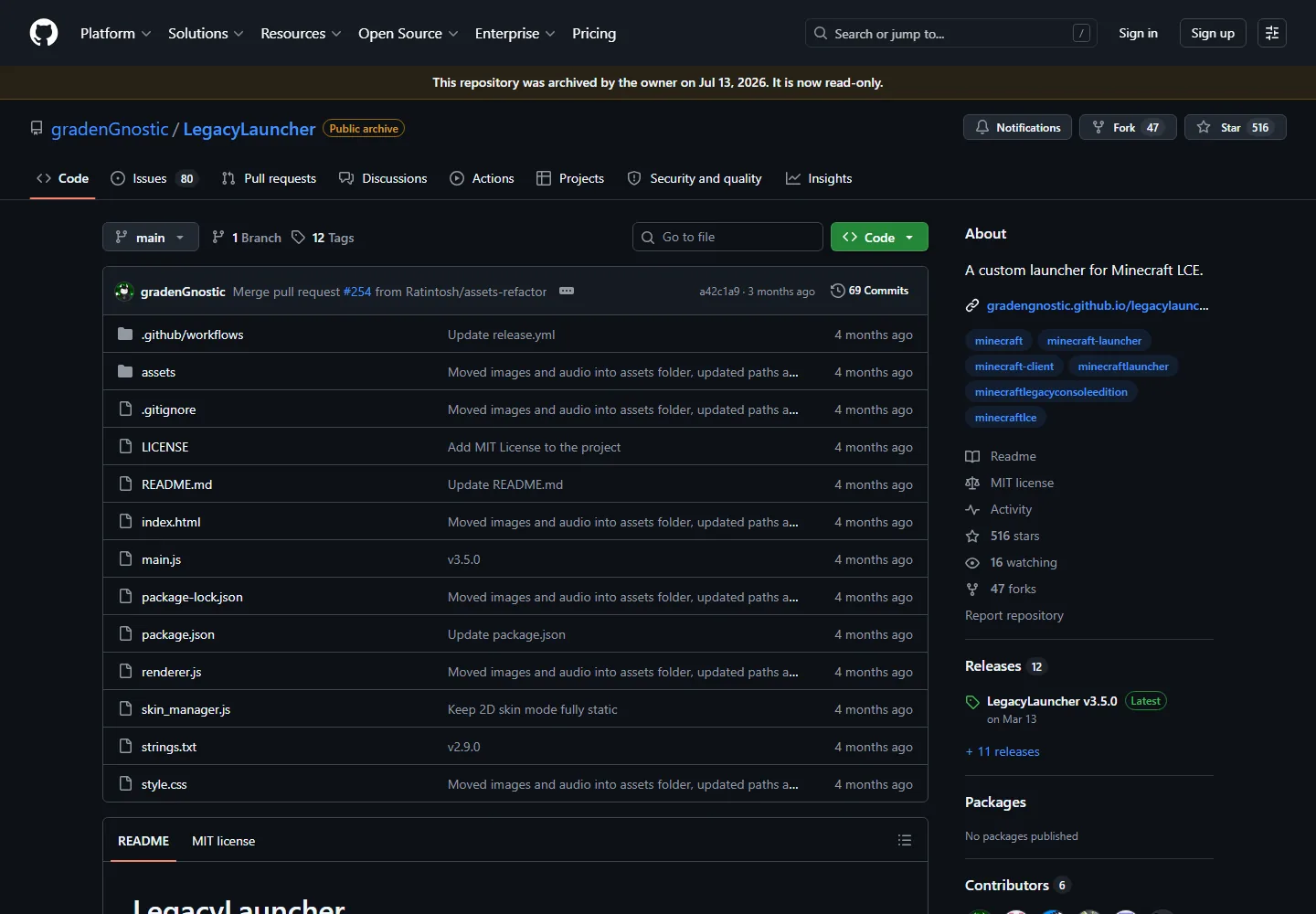
Open the GitHub release, confirm the v3.5.0 tag and compare the asset name with your platform. Windows uses the EXE installer; macOS uses the Intel or Apple Silicon DMG; Linux uses the AppImage.
A release link is not a substitute for your own judgment. Check the destination domain, file extension and download size, then use your operating system security tools before opening the file.
A website cannot prove that every copy on the internet is clean, and this page does not claim a scan or endorsement that it cannot verify. The useful distinction is between a checked source release and a repackaged file from an unknown host.
If a browser or operating system raises a warning, read the exact message and compare the file with the release asset. Do not disable protection just to force an installer to run; investigate the source or stop.
Legacy Launcher is an application. This site does not host Minecraft game files, leaked archives, accounts, keys, cracks or bypass tools. A page promising a complete game package is making a different and riskier claim than a normal launcher download.
For Minecraft Legacy Console Edition questions, keep the software source and the game ownership or compatibility question separate. The download guide can explain platform files; it cannot turn an unofficial game-file offer into a safe or official source.
Pause when the URL, file name, version or prompt differs from the release page. Return to the verified source and continue only when the platform and project match.
The checked version on this page is v3.5.0 as of August 13, 2026. If GitHub publishes a later formal release, repeat the same checks instead of trusting an old page that simply says latest.
It can be a more transparent download path when you verify the GitHub repository, release tag and platform asset, but no executable should be treated as automatically risk-free.
This site cannot certify every copy. Avoid repacks, compare the file with the official release and follow your own operating system security warnings.
Use the GitHub release linked from the download center and compare the destination, tag and file name before opening it.
No. It is an independent guide and is not affiliated with Mojang, Microsoft, Minecraft or the Legacy Launcher project.
Recheck the official repository and release assets, then update the version and date on this page before calling the new file current.