If you mean the archived gradenGnostic LegacyLauncher for Minecraft Legacy Console Edition, the short answer is cautious: the official v3.5.0 repository and release notes do not document a Java shader-pack loader or a supported shader installation path. Many search results use Legacy Launcher to mean a separate Java Edition project, so confirm the repository owner before you copy a shader tutorial. This guide explains the boundary without promising a download or an unsupported feature.
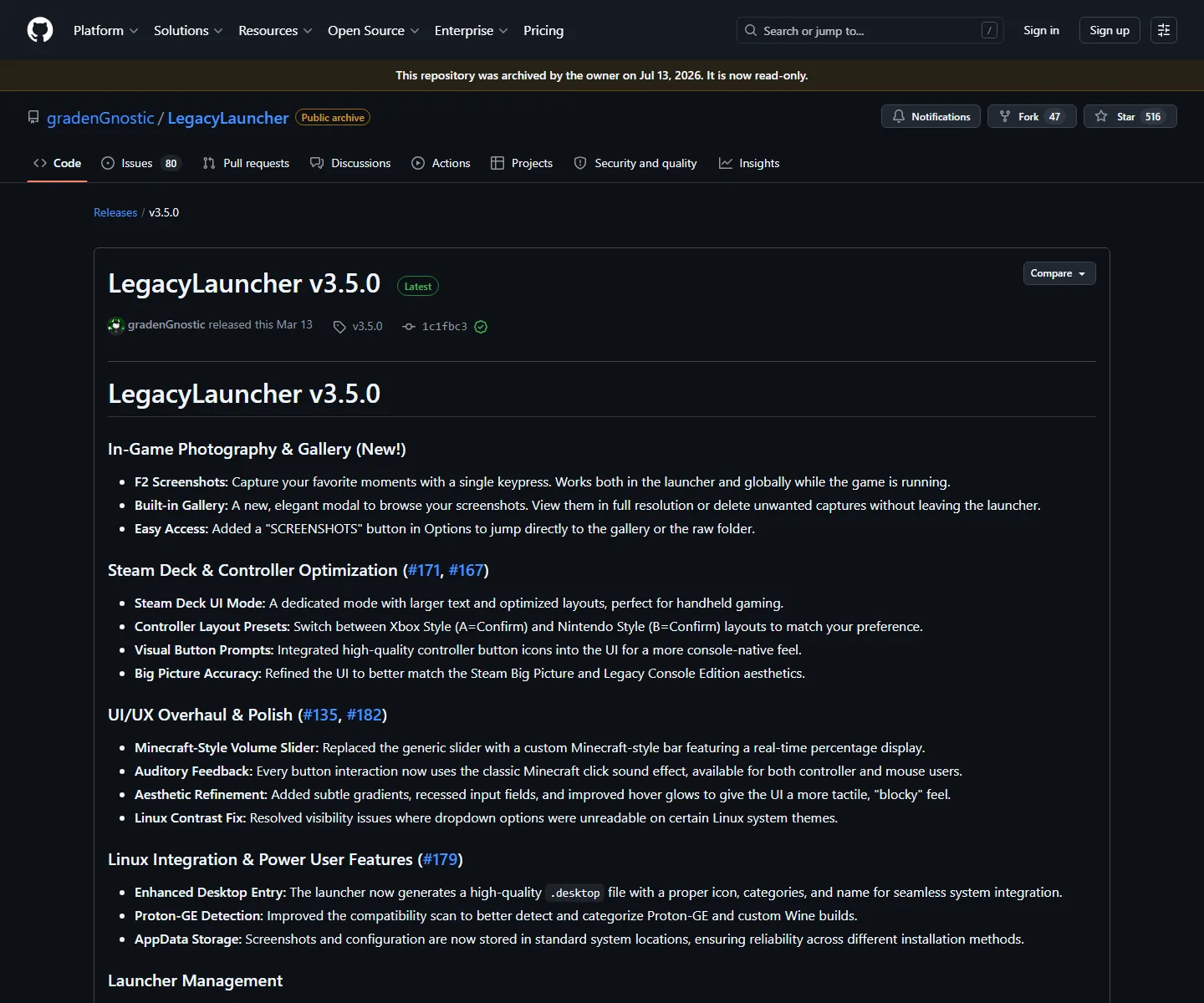
Official v3.5.0 release notes checked on August 16, 2026. The screenshot documents photography, controller and platform features; it is not a shader screenshot and does not prove Java shader support.
No download is required for this compatibility check. Verify the project before installing any shader or mod file.
quick verdict
Legacy Launcher shaders at a glance
Primary query
legacy launcher shaders
Project covered
gradenGnostic/LegacyLauncher for Minecraft LCE
Checked release
v3.5.0, official source checked August 16, 2026
Shader loader
No Java shader-pack workflow documented in the checked release
Best next step
Match the repository and edition before following instructions
short answer
Legacy Launcher shaders are not a documented LCE feature
The phrase legacy launcher shaders is ambiguous. This site covers the archived gradenGnostic/LegacyLauncher desktop project used in Minecraft Legacy Console Edition workflows. Its official v3.5.0 release notes describe the launcher interface, screenshots, Steam Deck and controller work, Linux integration and application-data behavior. They do not provide a Forge, Fabric, OptiFine, Iris, Sodium or shader-pack installation procedure.
That does not prove that every fork, future project or unrelated launcher with a similar name can never render shaders. It means you should not present a Java shader tutorial as a verified feature of this archived LCE release. A missing shaderpack folder, a loader selection that never appears, or a Java-only file extension is a compatibility signal, not an invitation to guess a path.
If you only want to know whether you can download a shader for LegacyLauncher, stop before downloading a random pack. First identify the repository owner, the Minecraft edition, the launcher version and the loader named by the instructions. The safe answer may be that your search has crossed into a different Java Edition product.
Editorial concept illustration, not a real launcher screenshot or gameplay capture. The key compatibility decision remains in the text above.
Do not treat the words Legacy Launcher as proof that two pages describe the same project.
Do not install a shader, mod loader or account helper just to test an unverified tutorial.
Use the official repository and release page as the identity check before you change files.
If a guide promises a cracked account, bundled Minecraft files or a mirror installer, leave it.
project identity
Why shader tutorials often point to the wrong Legacy Launcher
Search engines combine product names when a community launcher, a Java launcher and Minecraft edition terms share the same words. A tutorial can be technically correct for its own project and still be wrong for the archived LCE app. The most reliable clues are the GitHub owner, the release tag, the file names, the edition, and whether the instructions mention a Java loader.
Before you follow a shader guide, compare its screenshots with the page you opened. A Forge or Fabric profile, a Java instance directory, an Iris or OptiFine dependency, or a shaderpacks folder normally describes a Java Edition workflow. Those terms should trigger a product check rather than an assumption that the LCE launcher has the same menus.
Project to identify
Edition or role
Shader evidence
Best next action
gradenGnostic/LegacyLauncher
Archived community launcher for LCE workflows
No shader-loader workflow documented in checked v3.5.0 sources
Verify release scope; do not invent a shader folder
Separate Java Legacy Launcher
Java Edition launcher and mod workflow
Its own documentation may discuss mods or shaders
Follow only that project's own URL, version and loader rules
Random mirror or repack
Unknown product identity
No trustworthy evidence
Do not run it or enter account details
source check
Check the project before touching a shader pack
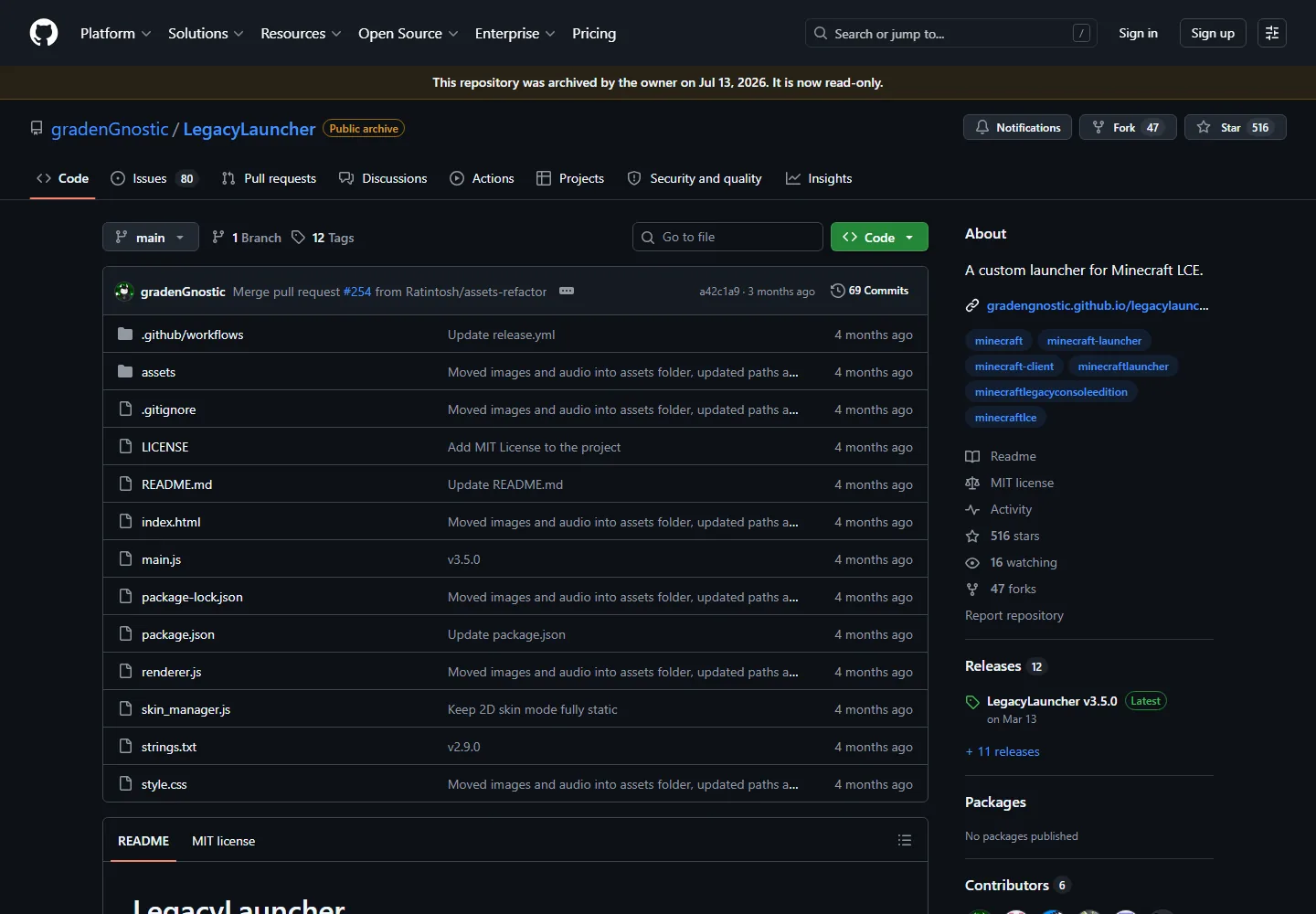
Open the official repository first and confirm the owner is gradenGnostic. The repository screenshot below is useful for identity, not for proving a shader feature: it shows the project name, archive status and source tree. A page that says Legacy Launcher but points to another owner may be describing the separate Java project, a fork or a reuploaded build.
Then compare the release tag and platform file with the instructions you received. The verified v3.5.0 release has Windows, macOS and Linux assets documented by this site. A Java modpack tutorial may instead name a Minecraft version, loader build or shaderpack directory that never appears in the LCE release materials.
If an error message appears, save the exact text and the file path before deleting anything. “No shaders found,” “profile not available,” and “unsupported file” can each point to a different problem: wrong product, wrong edition, missing loader, or an unverified file. A precise boundary is more useful than a generic reinstall command.
Official repository view used for project-identity verification. It is not a shader installation screenshot.
Match owner: gradenGnostic/LegacyLauncher.
Match edition: Minecraft Legacy Console Edition workflow, not a generic Java launcher search.
Match version: v3.5.0 is the checked release boundary for this page.
Match file source: prefer the official release page over a mirror or repack.
Match terminology: Forge, Fabric, Iris, OptiFine and shaderpacks usually require a Java-specific check.
separate java intent
What to do if your real goal is Java shader support
If your goal is a Java Edition shader pack, you may be looking for the separate Java Legacy Launcher rather than the archived LCE project. Read that project's own documentation, keep its URL and release information visible, and verify the game version and loader before adding any pack. The separate workflow is not evidence that gradenGnostic/LegacyLauncher supports the same feature.
The official Java documentation can be useful when it matches your product, but it should be treated as a different source boundary. Do not copy a Java path into the LCE app, do not rename a shader pack to force it into a folder, and do not download an installer that bundles a launcher, an account service and a game archive together.
For this site, the correct internal path is to read the Legacy Launcher mods guide for the broader LCE-versus-Java distinction, then use the separate Java project's official documentation only if its owner and edition match your goal. If the identity is still unclear, stop at the source check and use the safety guide.
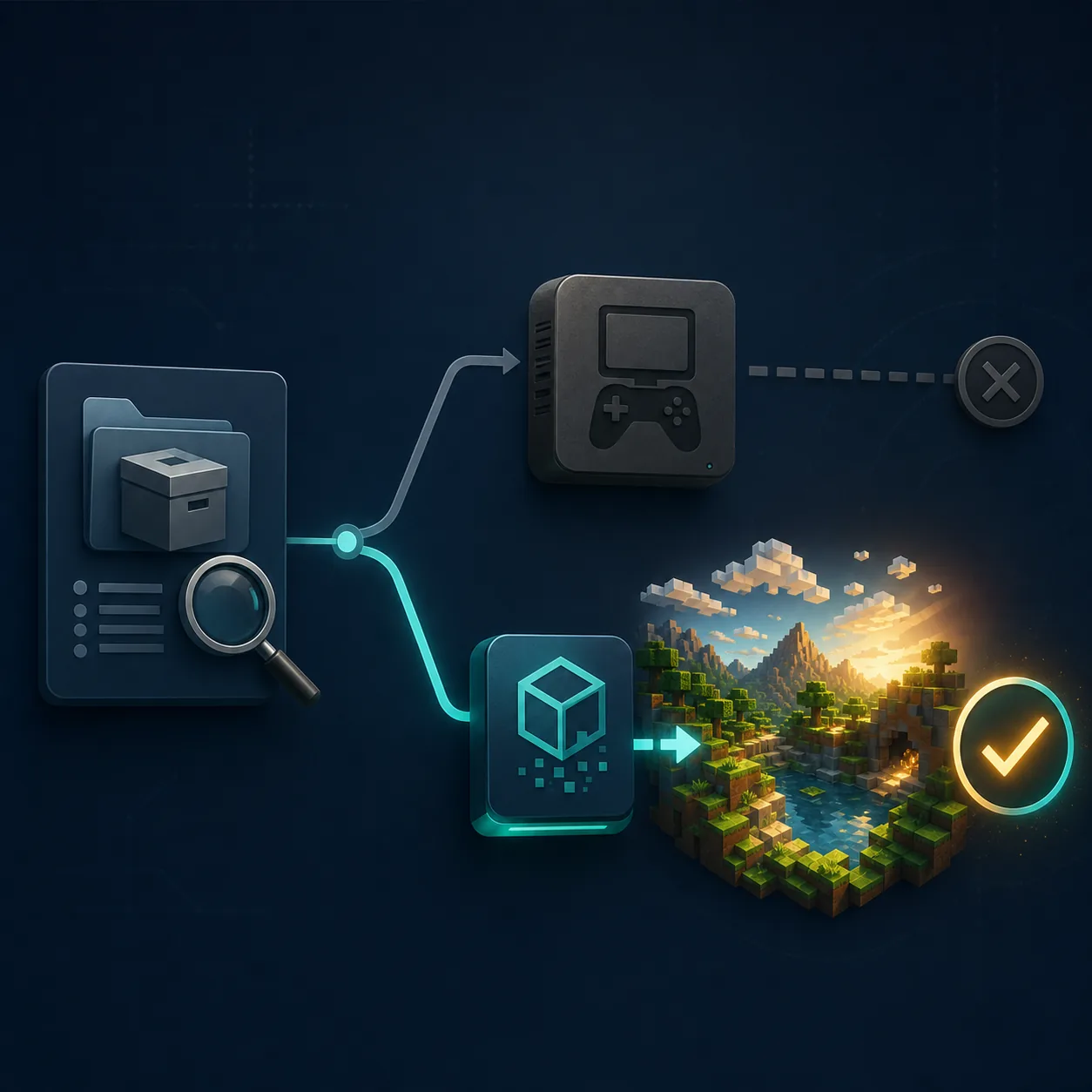
Editorial concept illustration, not a live UI or gameplay screenshot. It visualizes the decision to verify the product before following Java shader instructions.
A missing shaderpack is not always a broken download. Start with the least destructive checks: confirm which launcher opened, record the repository owner, compare the Minecraft edition, and read the exact release or loader requirement. Only then decide whether the problem belongs on this page or in the separate Java documentation.
Do not delete application data or replace a release file while the product identity is uncertain. Back up screenshots, profile names, server addresses and configuration paths first. If a tutorial asks for an executable, account token, browser extension or “unlock” helper, treat that as a security problem rather than a shader requirement.
The site’s download and safety pages cover the archived LCE release boundary. They cannot turn an unsupported Java workflow into a supported feature, but they can help you choose the correct platform file, inspect the source and avoid a mirror that changes the product name.
Keep the original release file and source URL until the project is verified.
Do not upload account credentials or local configuration to a shader site.
Do not call a fork official unless its own repository and release page prove it.
Use the official issue tracker or project documentation for unresolved compatibility questions.
If you only need a clean install, return to the verified download page instead of using a mirror.
What this Legacy Launcher shaders guide can verify
This page verifies a search-intent boundary, not a permanent statement about every fork or future release. The official repository and v3.5.0 release were checked on August 16, 2026. The repository is archived and read-only, so the page uses qualified wording: no shader-loader workflow is documented in the checked sources. If a future owner or fork publishes a different release, it needs a new source check before the answer changes.
The guide also does not host shader packs, Minecraft game files, accounts or cracked builds. A search result can be high volume and still lead to an unsafe or unrelated download. Keep the official owner, tag, file name and final host visible before you run anything.
If your question is actually about screenshots, servers, skins, Steam Deck controls or platform installation, use the matching guide instead. Narrow page intent makes the answer safer: this page is for deciding whether a shader tutorial belongs to the archived LCE app or to a separate Java launcher.
For the archived gradenGnostic/LegacyLauncher LCE project, the checked v3.5.0 repository and release notes do not document a Java shader-pack loader or supported shader installation workflow. Do not treat a separate Java launcher tutorial as proof for this app.
How do I install shaders in Legacy Launcher?
First identify the project and Minecraft edition. If the page refers to the archived LCE app, this site cannot verify a Java shader installation path. If it refers to the separate Java Legacy Launcher, follow that project’s own documentation and matching loader rules.
Why can’t I find a shaderpacks folder?
The folder may belong to a Java Edition loader or another launcher. A missing folder is not proof that you should create one inside the LCE application. Check the repository owner, edition and official documentation before changing application data.
Are shader packs the same as resource packs?
No. They can appear together in search results, but they are different concepts and may require different loaders or rendering support. Treat both as product- and edition-specific rather than copying a generic folder path.
Does Forge or Fabric add shaders to this Legacy Launcher?
The checked archived v3.5.0 LCE sources do not publish a Forge or Fabric installation workflow. A Java loader guide may be valid for a different launcher, but it is not evidence for gradenGnostic/LegacyLauncher.
Where should I verify the official Legacy Launcher files?
Use the gradenGnostic/LegacyLauncher repository and its v3.5.0 release page. Match the owner, tag, platform file and final host, and avoid mirrors that add account tools, bundled game files or unknown installers.